Smooth Interactions and Micro-Animations in Mobile Apps
The small bit of feedback you get when you tap a button decides how ‘good’ an app feels. Tips for getting micro-interactions right.
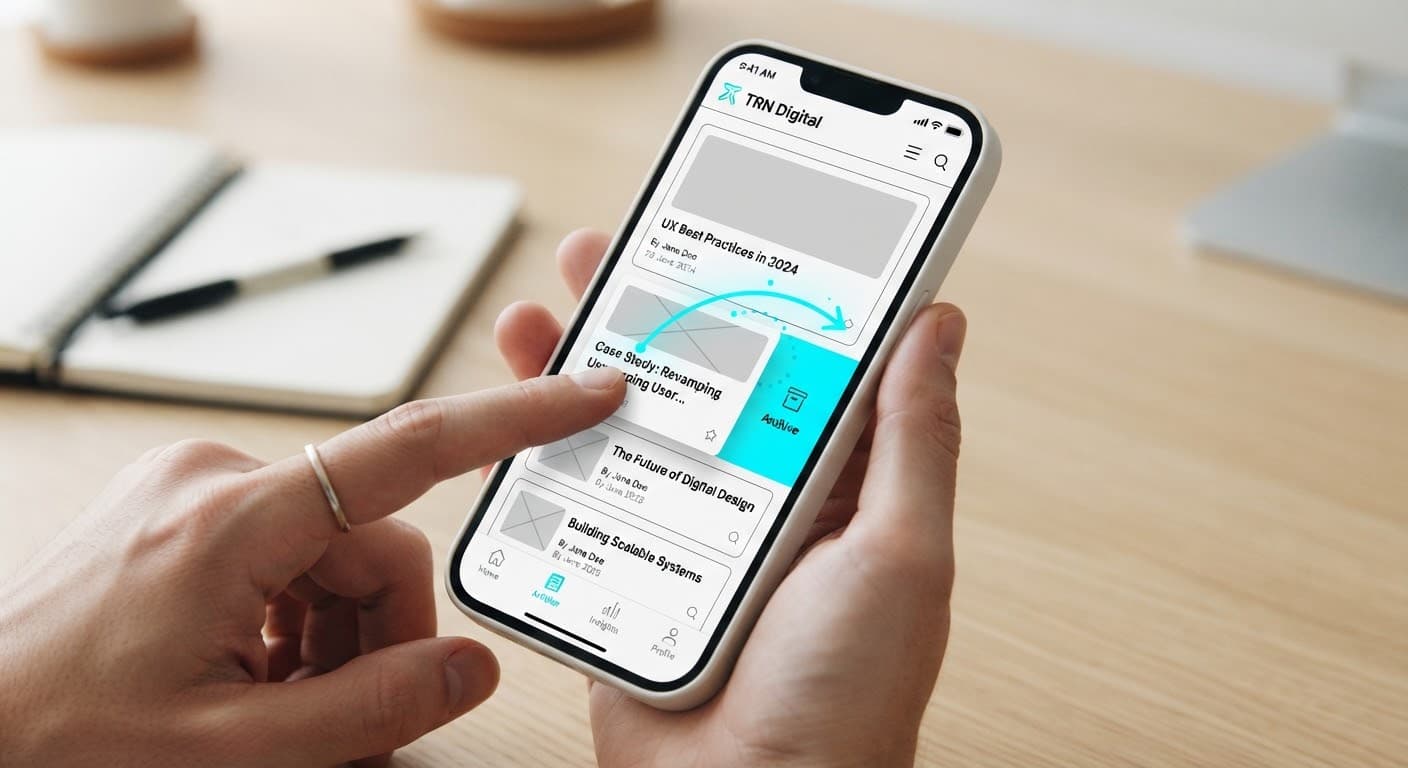
Users judge an app within the first few taps. Smooth transitions between screens, buttons that respond subtly to touch and small animations that show progress all make an app feel reliable and well made.
What is a micro-interaction?
Small design moments that serve a single purpose: a like button filling in, pull-to-refresh, a field gently shaking on a form error. They are not decoration; they tell the user what happened and point to the next step.
Principles we follow
- Keep it short: most transitions feel natural between 150 and 300 ms; long animations make users wait.
- Respect the platform: keep the familiar gestures and transitions of iOS and Android.
- Carry meaning: every animation should communicate a state (loading, success, error).
- Accessibility: simplify motion when the device's ‘reduce motion’ setting is on.
Well-crafted micro-interactions go unnoticed; they simply leave the feeling that the app is ‘smooth’. We plan these moments from the start of the design phase and test them on prototypes before development.
Have a project around this?
Let's hear your idea and plan the right solution together.